
The way we design interfaces is changing faster than most designers realize.
For the last fifteen years, the core assumption of UI/UX design stayed the same: we carefully craft fixed screens, flows, and components. Users then navigate through the structure we created. Personalization improved the content inside those fixed structures, but the structure itself remained largely static.
In 2026, that assumption is breaking.
Generative UI is the next step. Instead of delivering the same interface to every user (or even slightly personalized versions of the same interface), the system can now assemble the interface itself at runtime based on the user’s goal, context, and constraints.
This is not just another AI feature. It is a fundamental change in how products are designed and experienced.
What Generative UI Actually Means
There is still a lot of confusion around the term. Let’s clarify the differences:
Traditional UI: Designers create fixed screens and flows. Everyone gets the same structure.
Adaptive / Personalized UI: The system shows or hides content and features based on user data, but the overall layout and interaction model stay the same.
AI-assisted design: Designers use AI tools (like Figma AI, v0, or Cursor) to generate mockups, components, or code faster during the design process.
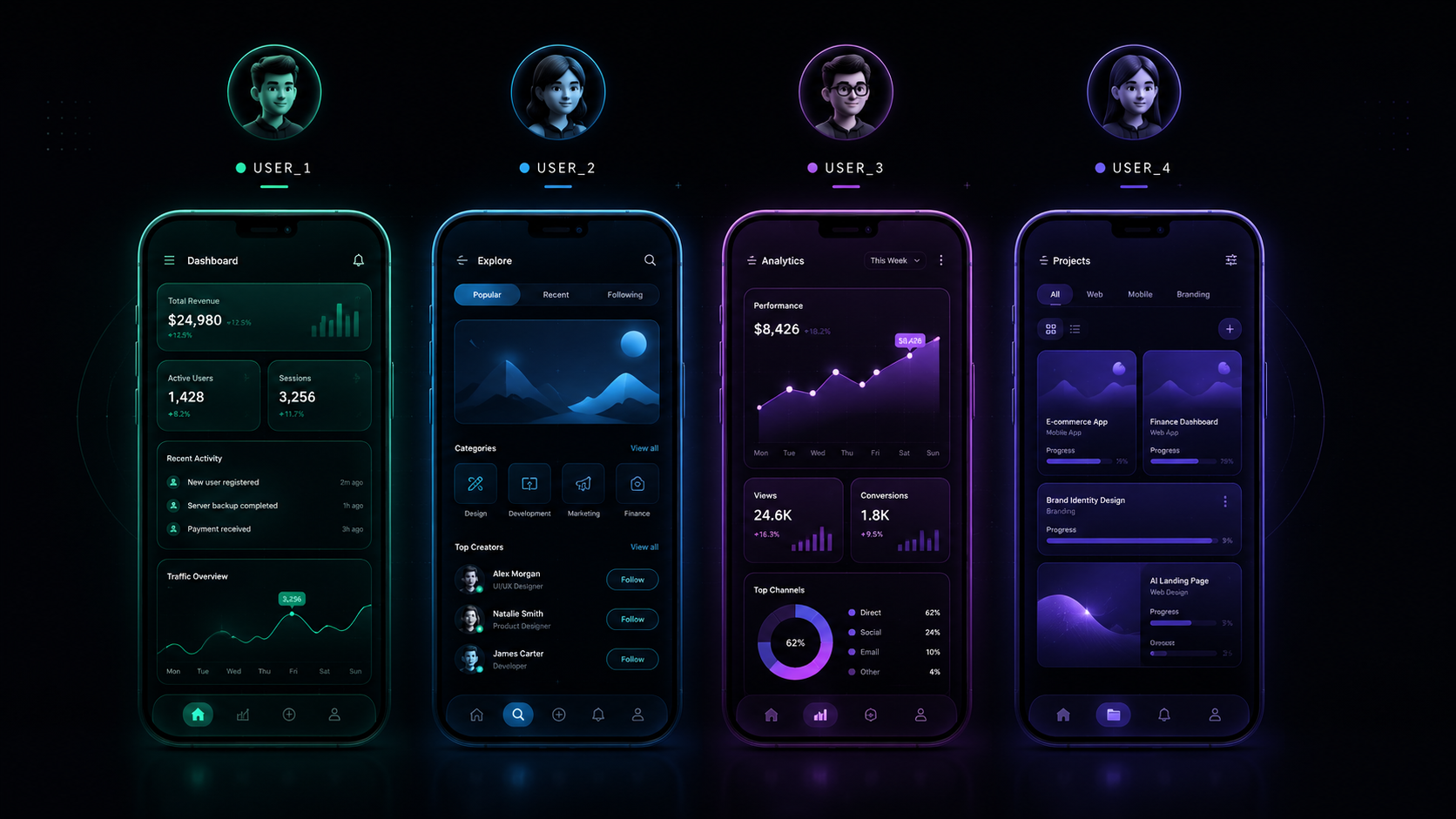
Generative UI: The interface is constructed dynamically for the end user in real time. The system decides which components to show, how to arrange them, and what interactions to offer based on the current intent.
A simple example: instead of an AI agent replying with text that says “Please provide the date, time, and number of people,” it generates a clean form with the exact fields needed at that moment. Or a dashboard that rebuilds itself around the specific question the user just asked.
Why This Matters Right Now
Three forces are accelerating Generative UI in 2026:
AI agents are becoming primary interfaces Users increasingly interact with products through conversation or intent rather than by clicking through predefined menus. The old navigation model starts to feel heavy.
Design systems have matured enough to support generation High-quality component libraries, design tokens, and constraint systems give AI something reliable to work with. Without strong design systems, generative interfaces quickly become chaotic.
Users are overloaded Attention is scarce. Interfaces that force people to hunt for what they need feel increasingly outdated. An interface that appears with exactly what is required feels like a relief.
The New Role of the Designer
This shift does not make designers less important. It changes what “good design” means.
In a Generative UI world, designers move from designing every screen to designing:
Constraints and rules that keep generated interfaces coherent and on-brand
Component systems that are modular and composable enough for AI to use safely
Intent models — understanding the different goals users might have and defining appropriate interface responses
Guardrails for trust, accessibility, and error handling
Evaluation criteria so teams can measure whether a generated interface actually works better than a fixed one
The designer’s taste, judgment, and understanding of human behavior become more valuable, not less. The repetitive production work decreases. The strategic and systems work increases.
Practical Challenges We Are Already Seeing
Early implementations reveal clear problems:
Generated interfaces can feel inconsistent or “off-brand” without strong constraints
Accessibility often suffers when generation is not carefully controlled
Users can lose the sense of place and predictability that fixed interfaces provide
Debugging and quality control become significantly harder
The teams that are succeeding treat Generative UI as a constrained generation problem, not an open-ended creative one. They invest heavily in design systems, evaluation frameworks, and human oversight loops.
What This Means for Your Work
If you are a product designer or UX designer in 2026, a few practical moves stand out:
Strengthen your design system thinking. Components need to be more modular and better documented than ever.
Learn how to write effective constraints and evaluation criteria for AI systems.
Study real generative examples (Google’s A2UI work and similar systems are good starting points).
Practice designing for intent rather than for screens.
Keep a strong focus on clarity, trust, and accessibility — these become even more critical when the interface is not fixed.
The designers who will thrive are those who can move fluidly between craft and systems thinking.
Looking Ahead
Generative UI will not replace all fixed interfaces. Many products will continue to benefit from carefully designed, predictable structures. But for complex tools, agent-based products, and high-variety use cases, the ability to generate appropriate interfaces on demand is becoming a real competitive advantage.
The core question is shifting from “What should this screen look like?” to “What rules and components should the system use to build the right interface for this user in this moment?”
That is a more demanding design problem — and a more interesting one.
The tools are still early. The principles are still being figured out. But the direction is clear.
The next generation of great product experiences will not be fully designed in Figma. They will be partially designed, carefully constrained, and then generated.